When you toss your first carrot, the fun is seeing what comes to eat it. Build enough Throw Power and your food can sail over whole biomes, landing in Prehistoric Forest, Deep Waters, or even farther down the course. Your next throw might bring a dinosaur you haven’t collected yet or a shark you can take back to your base.
et yourself three goals. Place your first animal to start earning, land a throw in a zone you haven’t reached, then go back for species and mutations you still want. As your throws reach farther, you’ll also see that two animals of the same species can have different sizes and earnings.
Start Your First Round
If you already have a VSPhone cloud phone, open it from your device list and launch Roblox. If Roblox is missing and Google Play is available on that device, install the official app published by Roblox Corporation. Sign in, find the experience by Goofy Chupacabra, and join when it’s available. Follow the tutorial to pick up your starting food and head to the throw line.
Official Roblox App on Google Play
Put Your Animals to Work
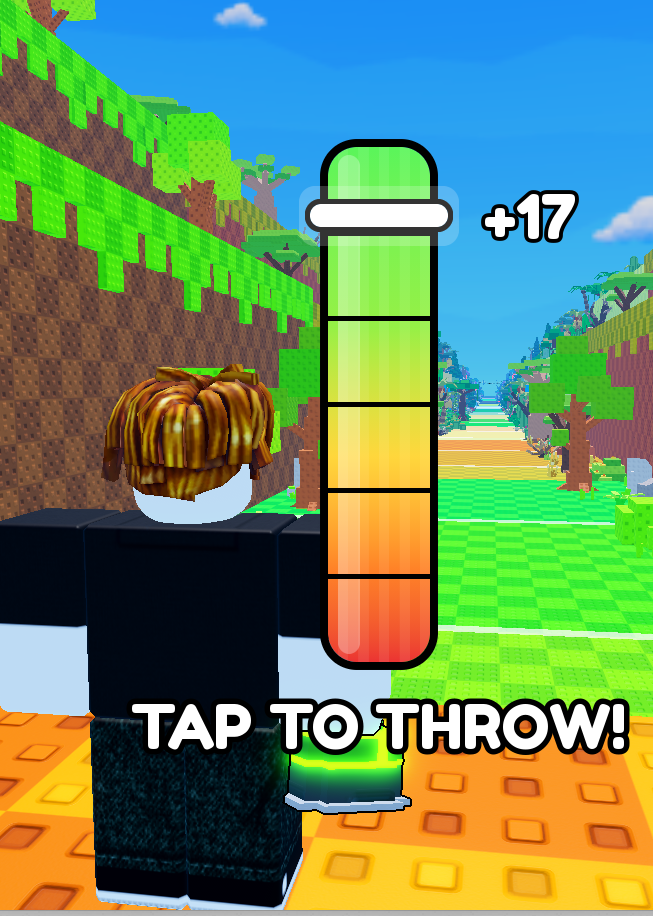
Stand at the glowing line and face the runway. When the power meter appears, wait for the marker to get near the top, then follow the on-screen prompt to throw your food. Watch where it lands, wait for an animal to approach, and follow the prompt to collect it. A common animal is enough to get your base earning.
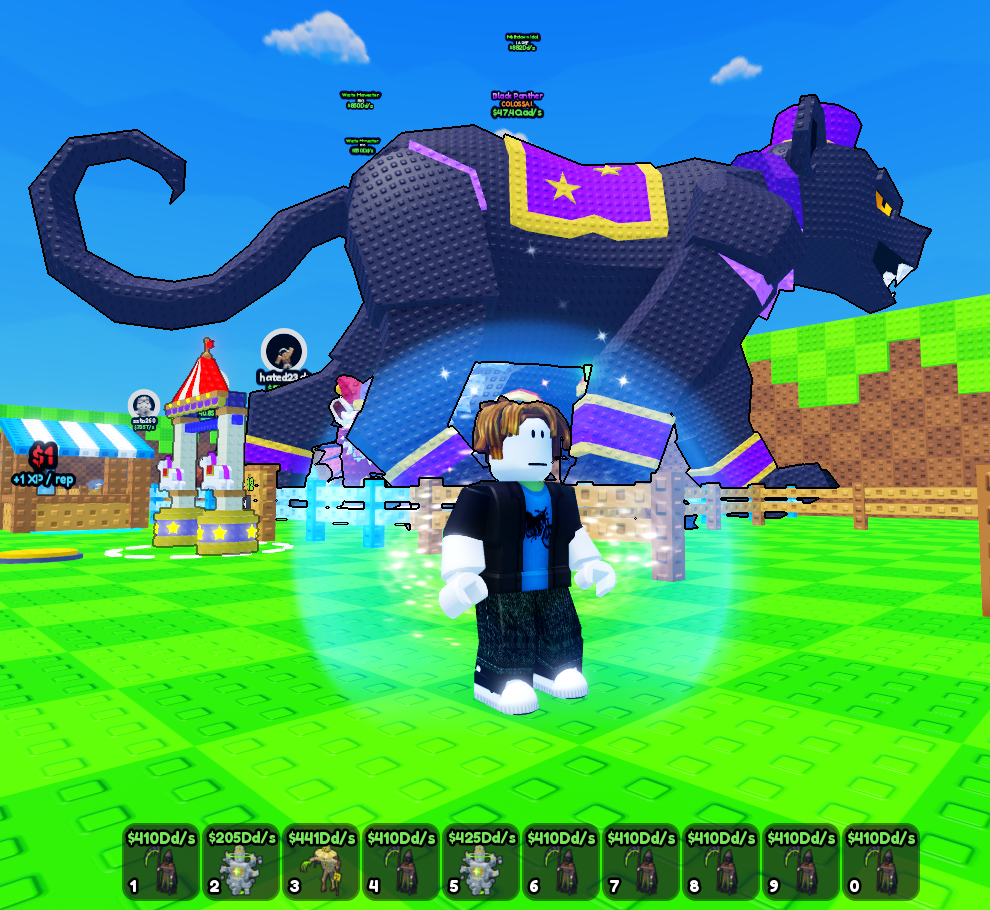
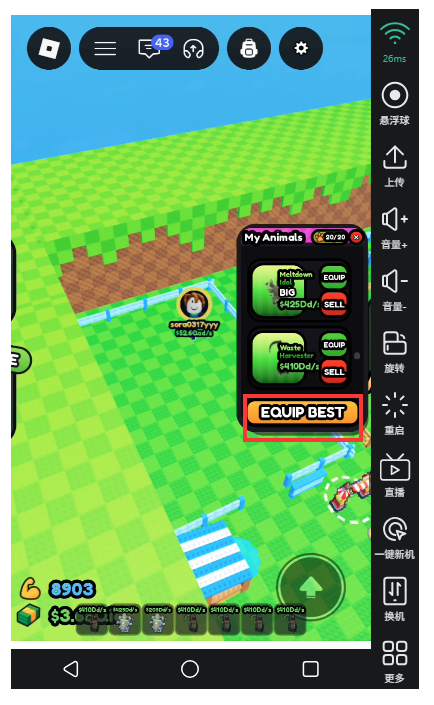
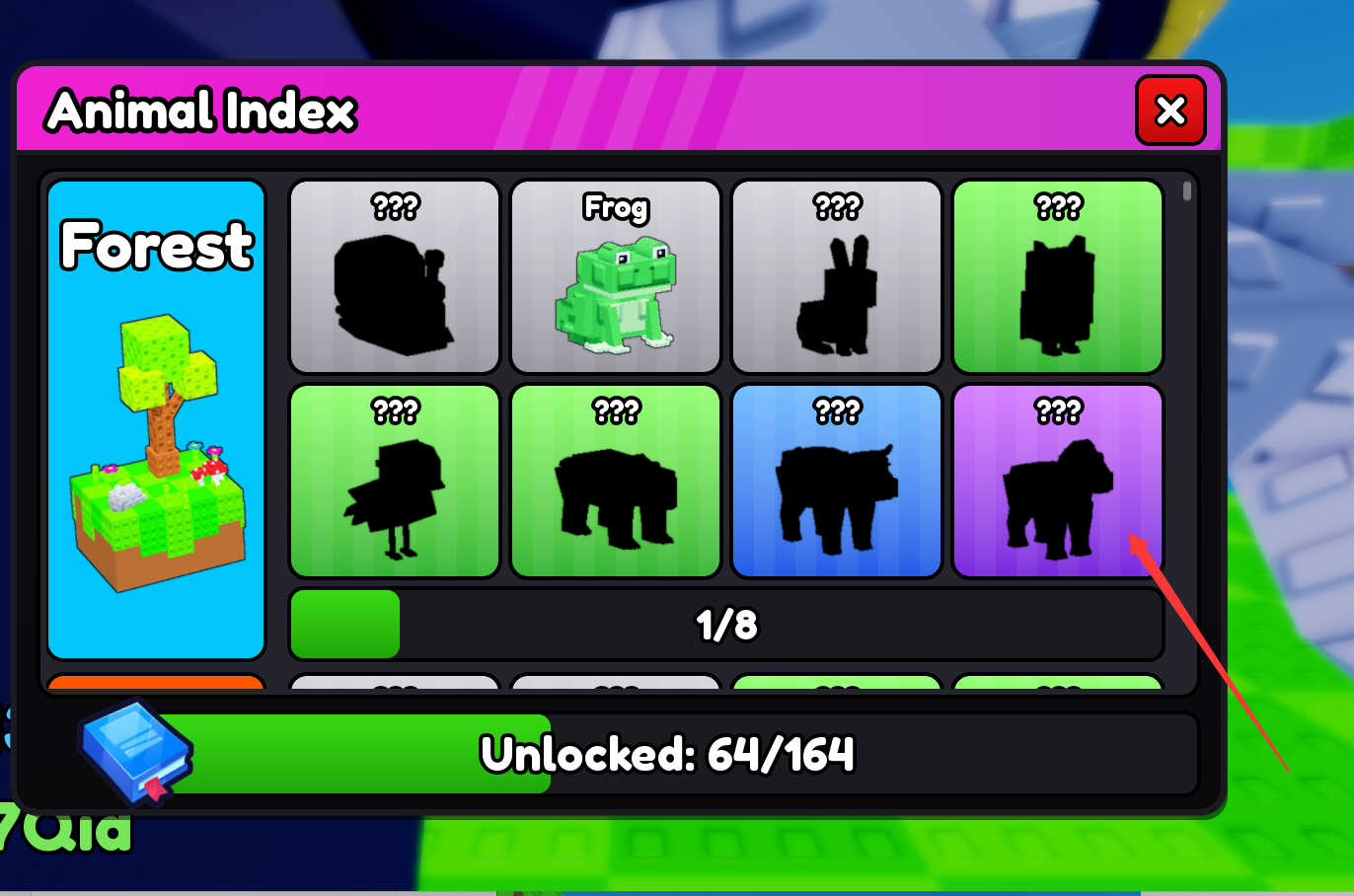
Open Animals and use My Animals to place your first catch. Once you have several, you can use Equip Best to put your highest earners to work. Return to your plot and look for the animals and their per-second earnings above them. If the game shows cash ready to collect, follow the prompt and check your balance. Animals in your backpack can be kept for your collection or swapped in later. Your placed animals are the ones earning at your base.
Train to Reach the Next Zone
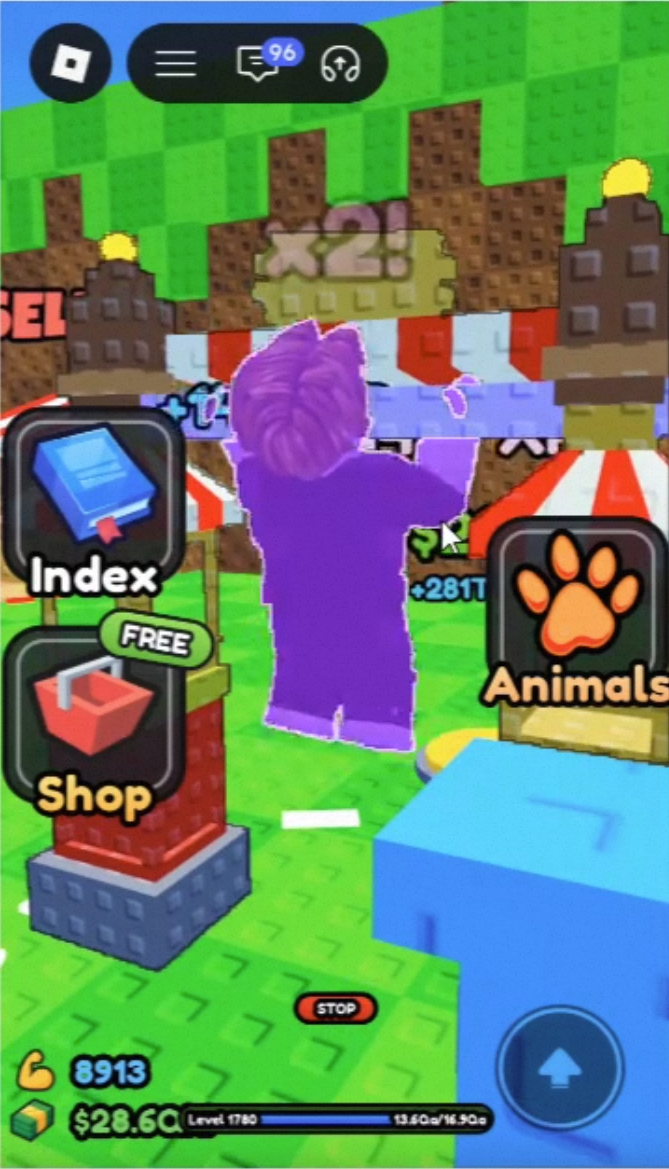
Timing the meter gives that throw a boost. Leveling up through training raises your base Throw Power. Try a few throws with the same food and similar timing. If they keep landing in the same zone, do pull-ups in the training area at your base. Once you’ve gained XP and raised your level or Throw Power, take the same food back to the line and try again. Landing past your old mark or reaching a new zone is an easy way to see what the training did.
Two Ways to Build Your Collection
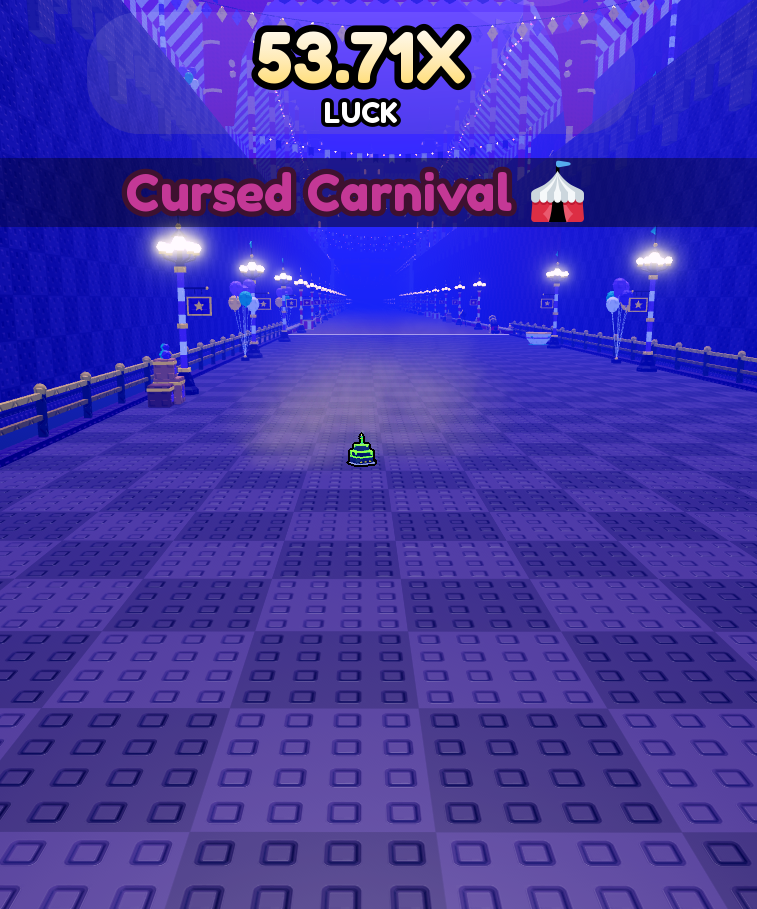
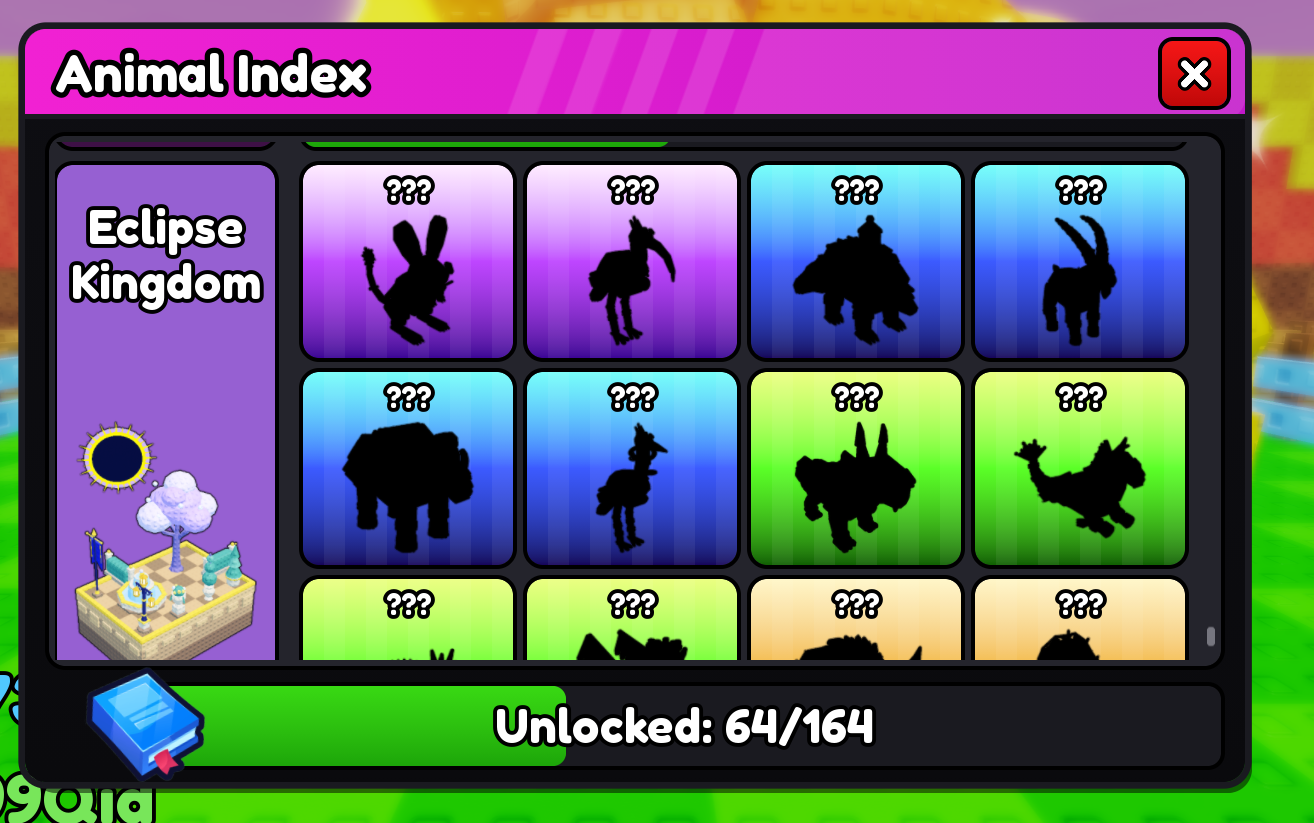
When you reach a new zone, pick an animal to look for. In Prehistoric Forest, you could start with a T-Rex. Once you can reach the forest consistently, visit the Food Shop for a higher-tier food. After buying it, check what’s equipped. If you see EQUIP, tap it to switch. Keep aiming for the same zone and see what new animals come to eat. In publicly documented gameplay, both Royal Steak and Golden Apple landed in Prehistoric Forest, and Golden Apple also attracted a Velociraptor. It’s a target worth trying for, and each throw can turn out differently.
Look for New Versions of Animals You Own
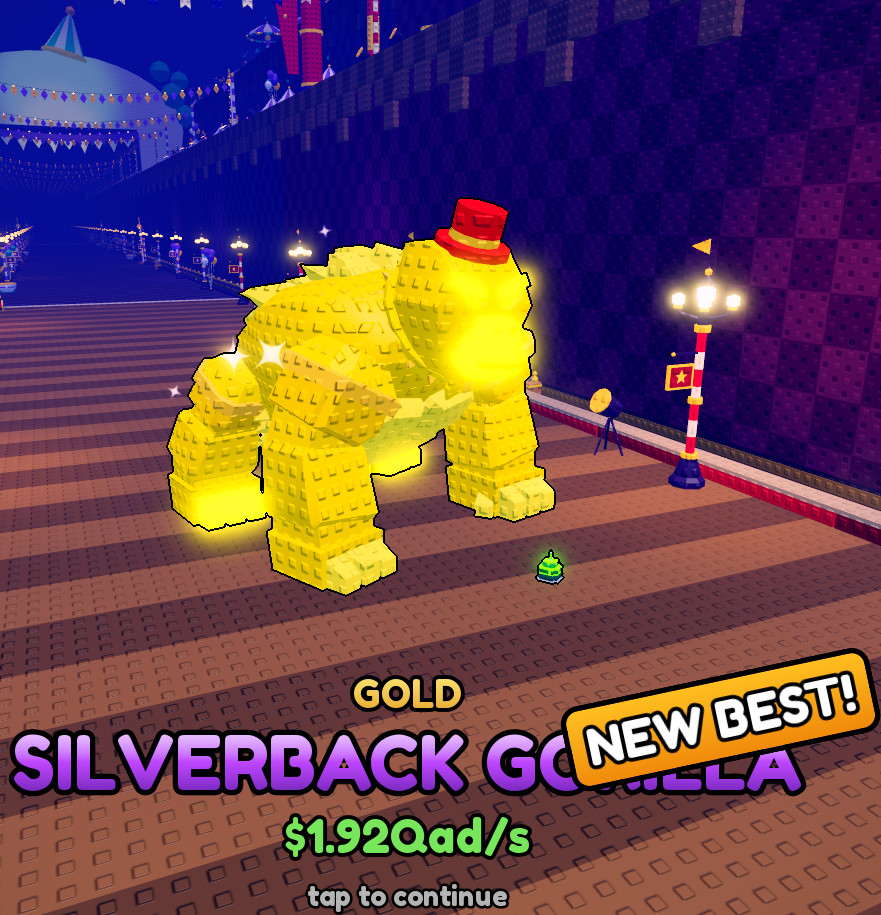
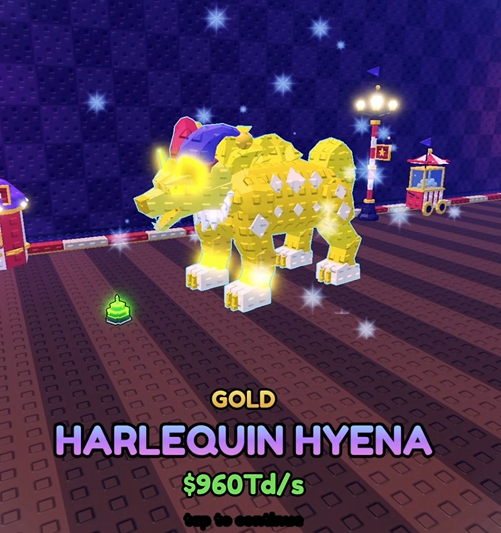
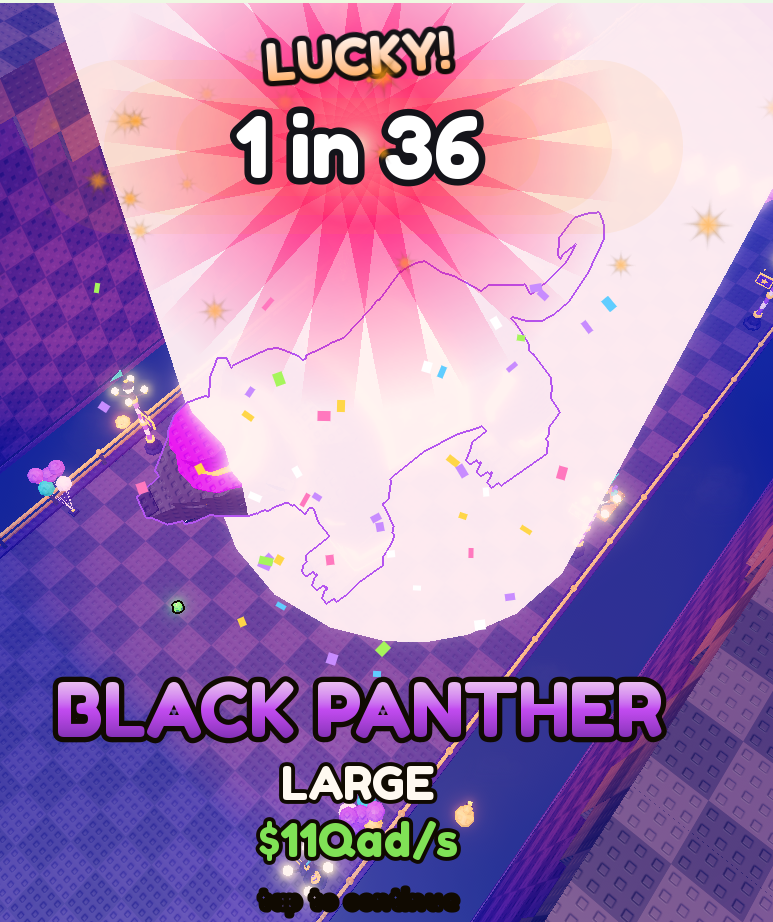
Even if you already have a HARLEQUIN HYENA, you may find a larger one or one with a mutation like Gold. An animal can have both a size variation and a mutation. To earn more, compare its per-second income with the animals already on your plot. If you’re collecting for looks, keep the species and variants you like. Later on, you can train for a farther zone or revisit a familiar one to look for a version you’re missing.
Spend your cash where it helps most. If the next zone is still well out of reach and leveling is slow, consider upgrading your pull-up bar. If you already reach the zone and want more of its animals, save for better food. If your plot is full, swap out the lowest earner first. Consider paying for more space when you have an animal worth putting in the new slot.
Return After Training and Try Another Throw
Once you’ve joined on a VSPhone cloud phone, start the game’s built-in pull-up training and note your level or XP. Close the local viewing window and switch back to what you were doing on your own device. When you return, reopen the same cloud phone from the device list and check whether your character is still training and how far your progress has moved. If you’ve leveled up, try the same food again and see how much closer you land to Deep Waters. If you disconnected or training stopped, continue from the state shown in the game.
VSPhone runs the game on the cloud device, so you can put away the local viewing window while you do something else. The game calculates offline animal earnings and determines food, landing zones, and random outcomes.
Join the official VSPhone Discord community