Start the Fisch Halloween event with one catch and one sale. Reach the event island, try an accessible fishing spot and check whether the result gives Treats or ordinary C$. Once you understand the loop, choose your next reward goal.
30-Second Quick Start
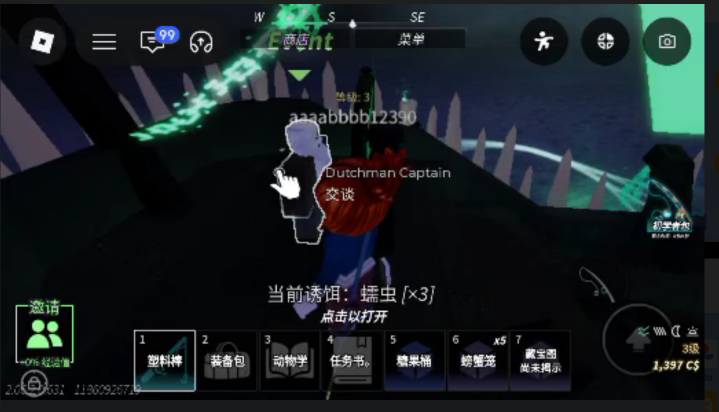
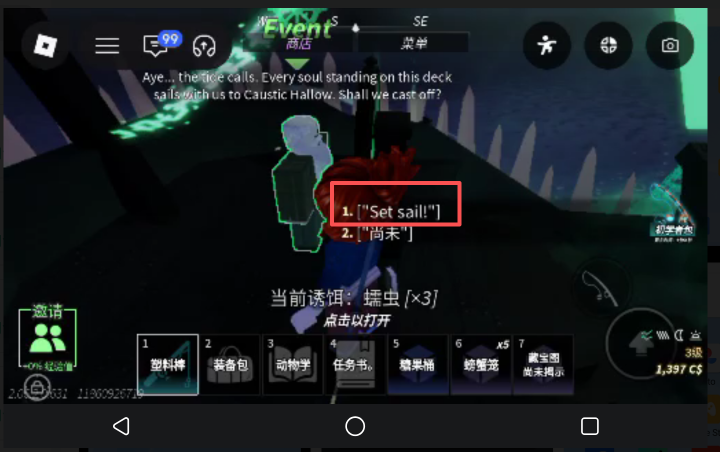
• Enter: From the ghost ship by Moosewood, speak to Dutchman Captain and choose Set sail to reach Caustic Hallow.
• Collect: Catch an event fish, then use the single-fish sale option at Frightful Merchant.
• Rewards: Check Treats separately from C$ and read the event reward requirements.
• Remember: Do not sell your whole backpack just to test the event.
1 Travel to the event island
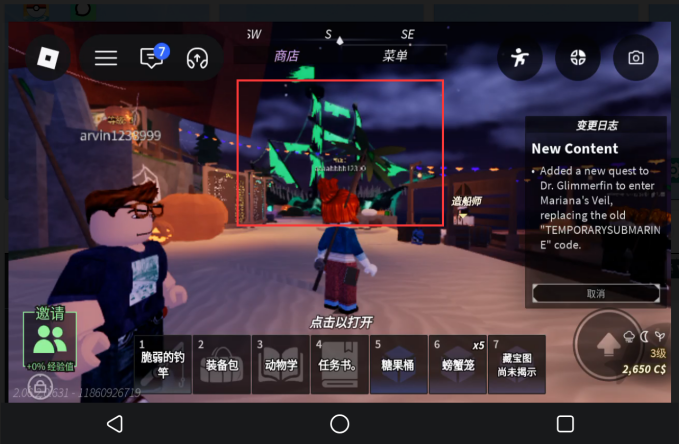
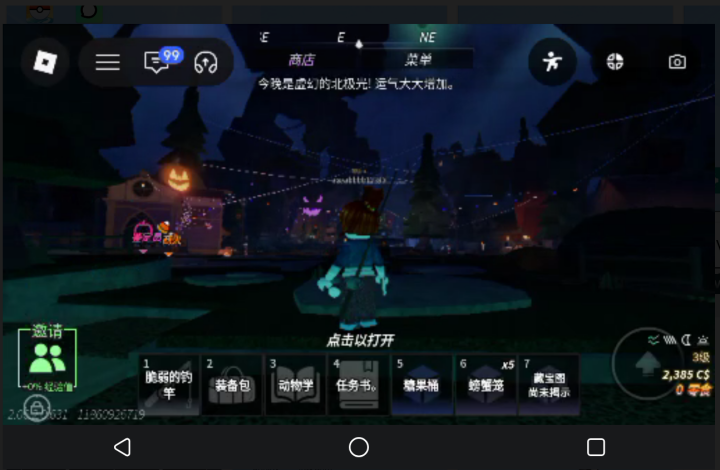
Find the Flying Dutchman ghost ship off the eastern shore or docks of Moosewood. Speak to Dutchman Captain and choose Set sail to travel to Caustic Hallow. After arriving, locate the dock, return route and merchants before choosing a fishing spot.
 2 Try a fishing spot with existing fishing tackle
Check your rod and bait, then try an accessible event fishing spot with your current equipment. Read any conditions shown on screen. You do not need expensive gear just to learn the route. Remember how to get from the fishing spot back to the merchant.
3 View the backpack after completing the capture
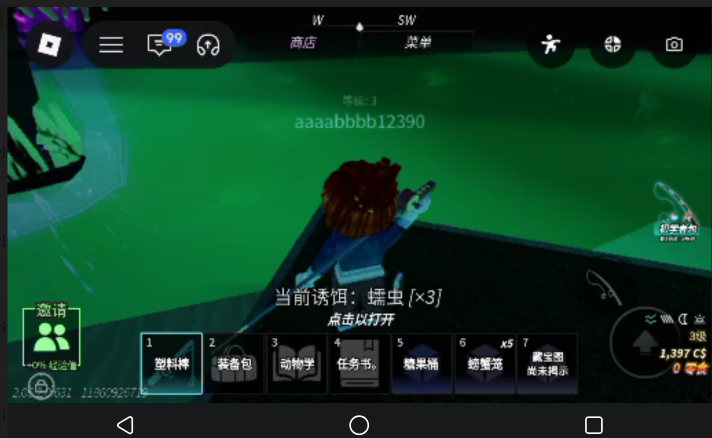
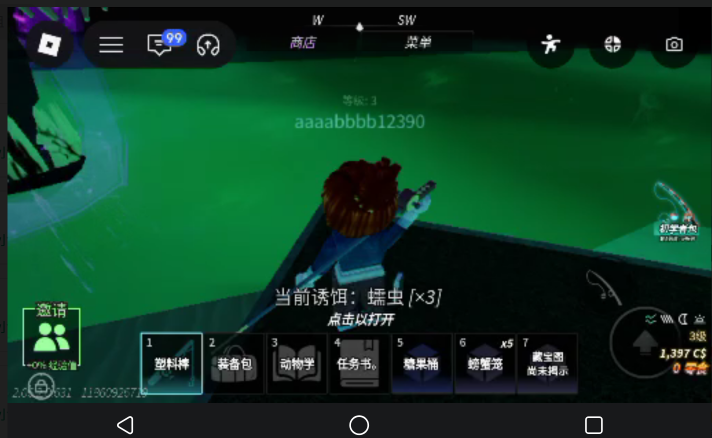
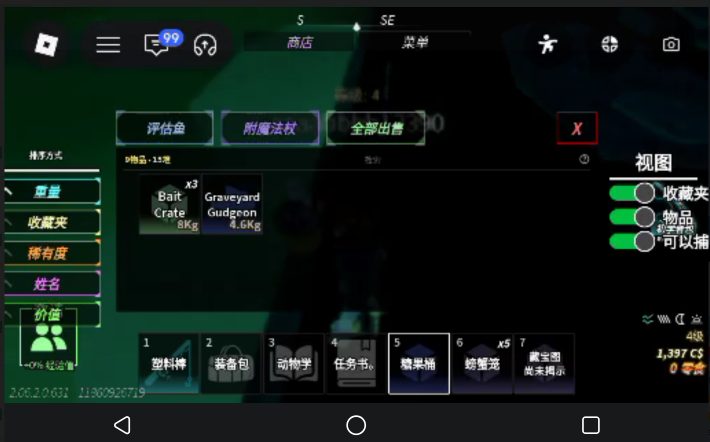
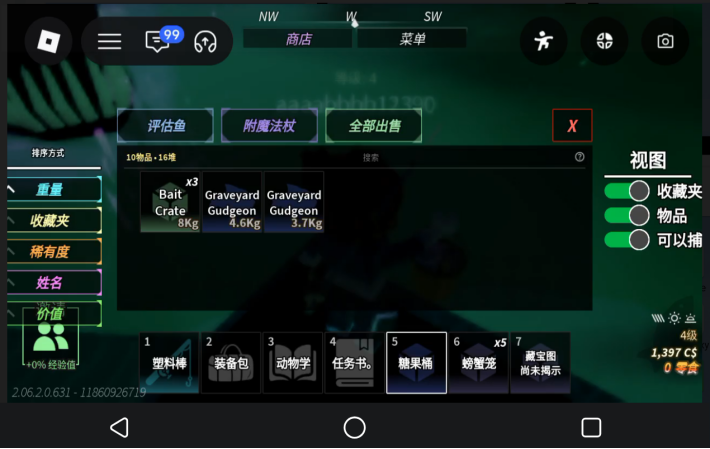
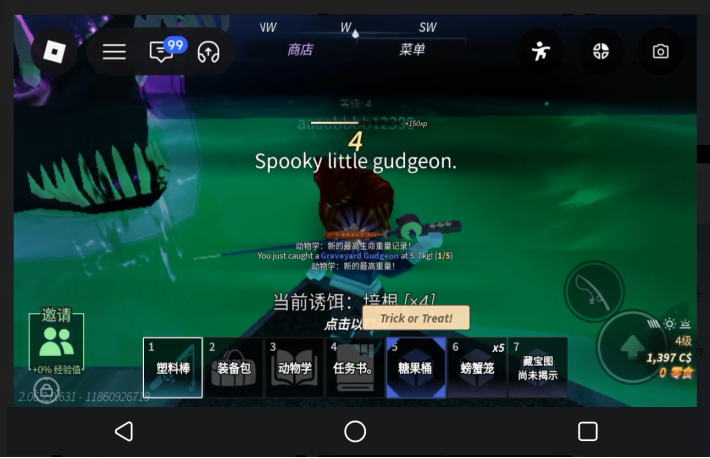
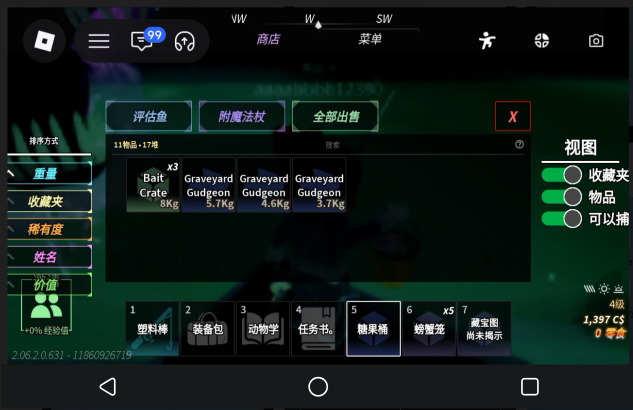
Cast and reel in according to the mobile controls. After a successful catch, check the fish name and backpack entry. If the attempt fails, review your controls and equipment before trying again. Take one suitable event fish through the sale process before committing to a longer session.
4 Check Treats separately from C$
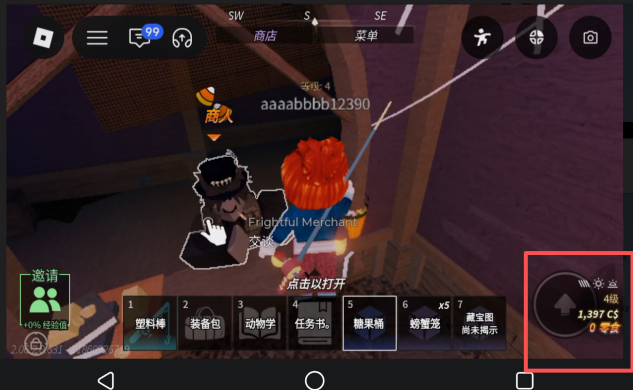
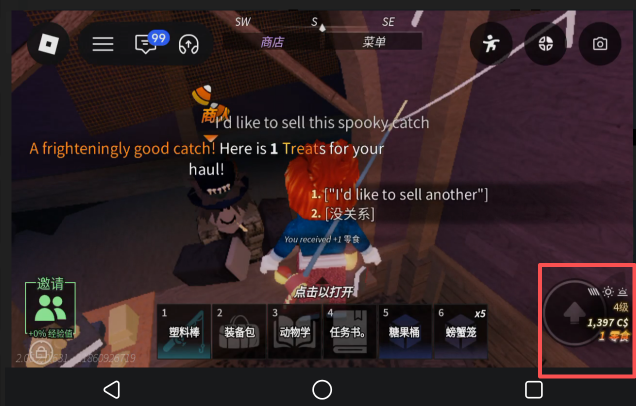
Speak to Frightful Merchant and check the single-fish option, “I’d like to sell this spooky catch.” Do not confuse this fish buyer with Dutchman Merchant, who sells items. Compare Treats and C$ before and after the sale. Use the actual result; ordinary C$ is not Treats, and one Halloween fish does not establish a fixed reward for all fish.Before switching to another app on your local phone, finish fishing and check your backpack and sale result at the dock or merchant. When you return to VSPhone, check whether Fisch is still connected. If it has disconnected or closed, reconnect or rejoin the game, then check your backpack and Treats again. Long periods without input may trigger an idle disconnect; cloud play does not guarantee continuous connection.
5 Play Fisch in VSPhone
Open Roblox and enter Fisch in VSPhone if you want to keep the game separate from everyday phone use. Check the picture, controls, rod and bait before casting. Casting, reeling and selling still require the actions shown in the game. Cloud play does not guarantee rare fish or extra rewards.
Quick pre-departure check
Choose a target, check the fish name after catching it, and distinguish Treats from C$ when selling.
Want to keep event fishing separate from everyday phone use? Download VSPhone and plan your next Fisch session. Join our Discord for more guides, product information and community event news.
VSPhone official Discord Server:https://discord.gg/XUsfAHHJm4
VSPhone LATAM Discord Server: https://discord.gg/MEVmUK6g2s