Start the MM2 Halloween event with one round: find the event menu, choose a reward goal, collect candy and check the result. Learning this loop first makes it easier to plan your next match.
30-Second Quick Start
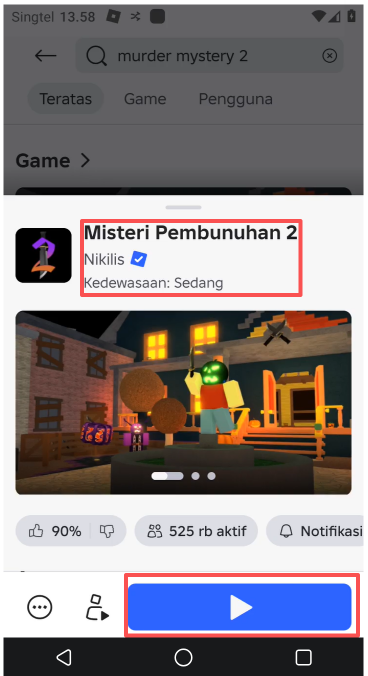
• Enter: Open the Halloween event page in the lobby of Murder Mystery 2 by Nikilis.
• Collect: Play a round, pick up candy, then return to the lobby to check your balance.
• Rewards: Check the target reward and its claim conditions before spending.
• Remember: Check the round result before claiming other rewards so you can tell where the candy came from.
1 First Look at the activity reward before entering the game
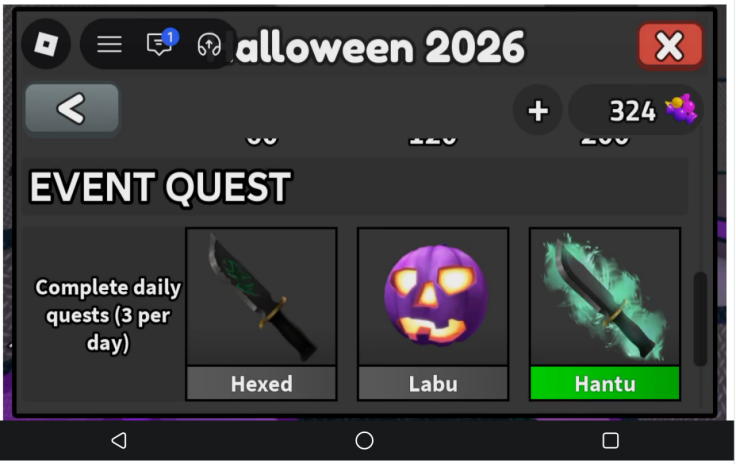
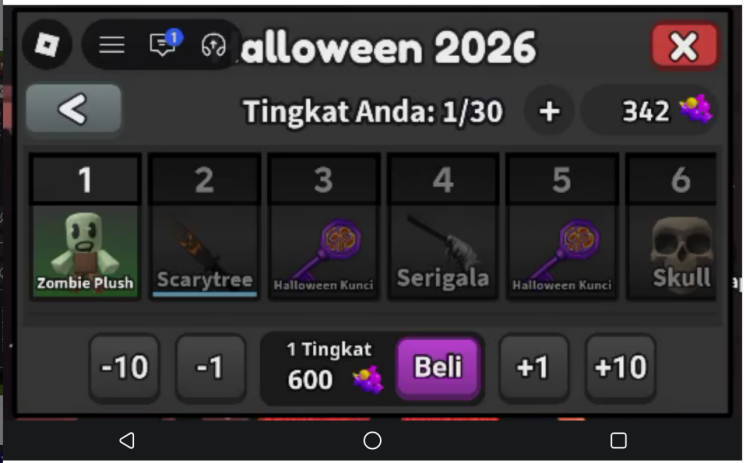
In the lobby, open the Halloween event page and check the reward name, required currency and claim conditions. Pick a goal you can work toward and note how much candy you still need. Keep event currency separate from Robux purchases, and read the prompt before spending.
Watch the lobby countdown and be ready when the next round begins.
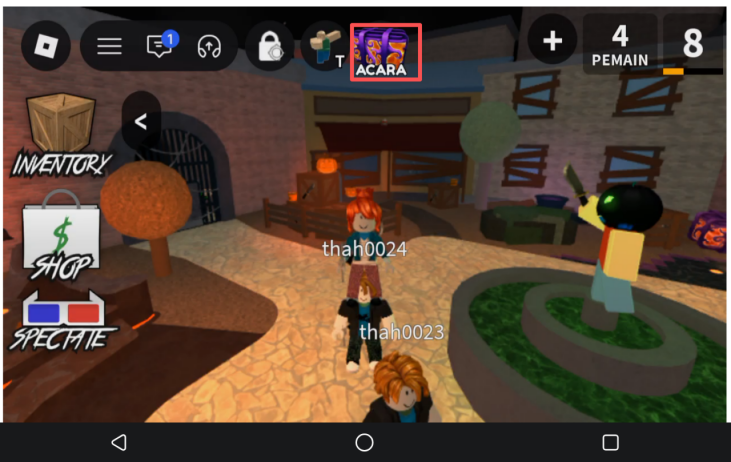
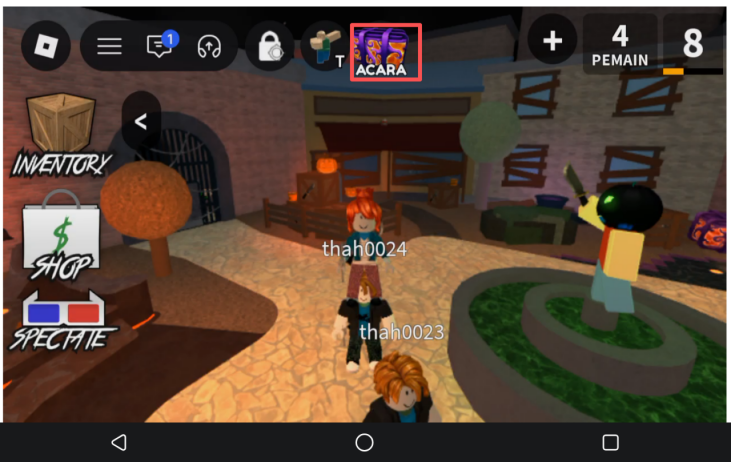
2 Collect candies along familiar passages
Recognize the candy on the map and collect what you can along familiar routes. Learn nearby rooms and exits, watch other players around corners, and avoid getting trapped while chasing a single pickup. Adjust your route to the map and your role.
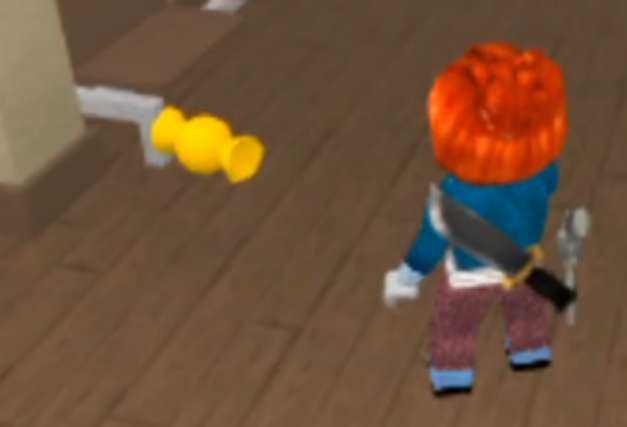
3 Check the balance after the end of the first round.
Watch the candy counter during the round, then check the event balance back in the lobby. Confirm the round result before claiming tasks or spending currency. If the round is interrupted, use the actual result rather than counting every candy you saw.
Need your local phone for another app? Wait until the round ends and you are back in the lobby, then check your task progress and candy balance before switching away from VSPhone. When you return, check the game state first. If it has disconnected or closed, reconnect or rejoin MM2 and check the recorded progress again. Switching apps does not guarantee an uninterrupted session.
4 Set aside a budget for the rewards you want.
Reopen your target Halloween reward page and compare the requirements with your balance. Check progress rewards and random rewards separately. Claim eligible rewards and check the result; if you are short, note the amount still needed. A random reward does not guarantee your preferred item.
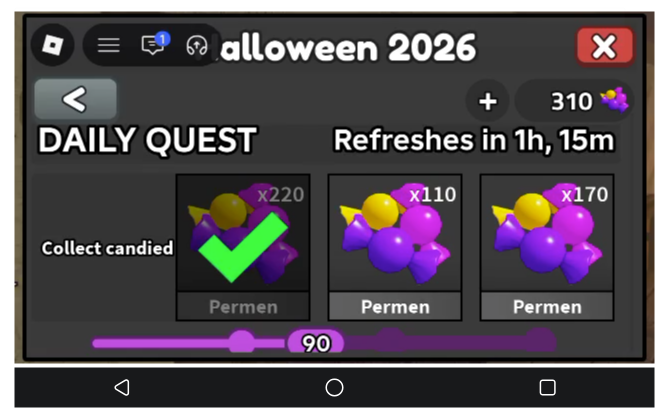
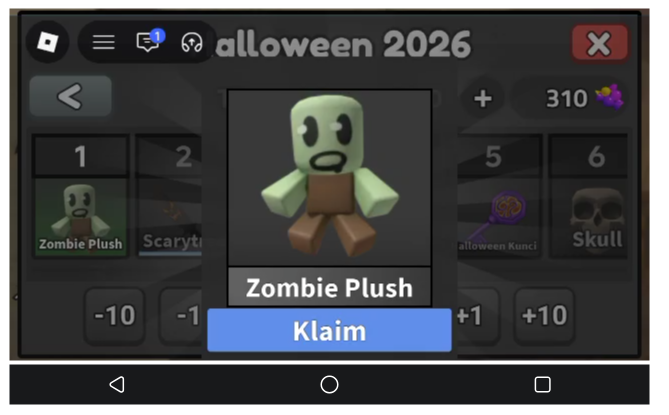
Claim status shown on the reward page.
5 Put the activity match in VSPhone
Open Roblox in VSPhone and enter MM2 when you want to keep the game separate from everyday phone use. Check movement and camera controls before joining a match. You still need to choose routes, collect candy and react to other players; a cloud phone does not guarantee rare weapons.
Quick pre-departure check
Before entering the game, see the reward conditions clearly, pay attention to the route and the players around when collecting, and go back to the hall to check the balance.
Want to keep MM2 and everyday phone use separate? Download VSPhone and plan your next candy-collecting session. Join our Discord for more guides, product information and community event news.
VSPhone official Discord Server:https://discord.gg/XUsfAHHJm4
VSPhone LATAM Discord Server: https://discord.gg/MEVmUK6g2s