



How to Fix Roblox Login Issues?
Some users may encounter the following error message when logging into Roblox for the second time:
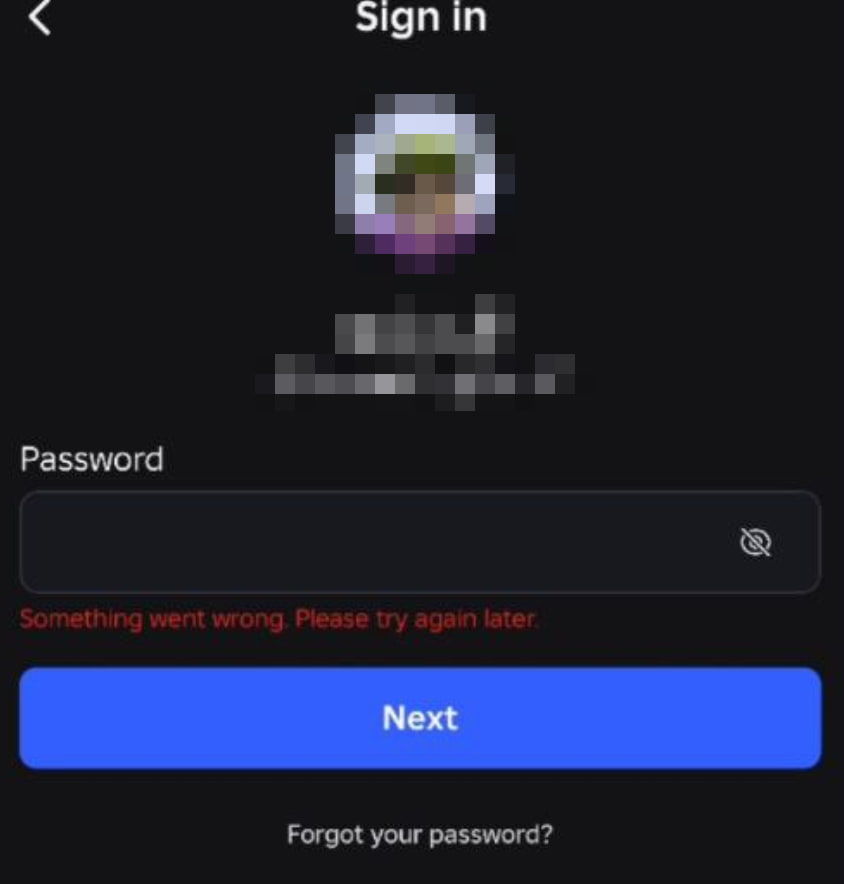
This issue is usually caused by the network environment or IP restrictions, not by account theft or account suspension. We recommend trying the following solutions one by one:
Solution 1: Use VSPhone IP Proxy and Bind It to a Cloud Phone (Recommended)
Purchase an IP Proxy on the VSPhone and bind it to your cloud phone to optimize the network environment and resolve Roblox login issues. 👉 Purchase and binding guide
Solution 2: Use a VPN
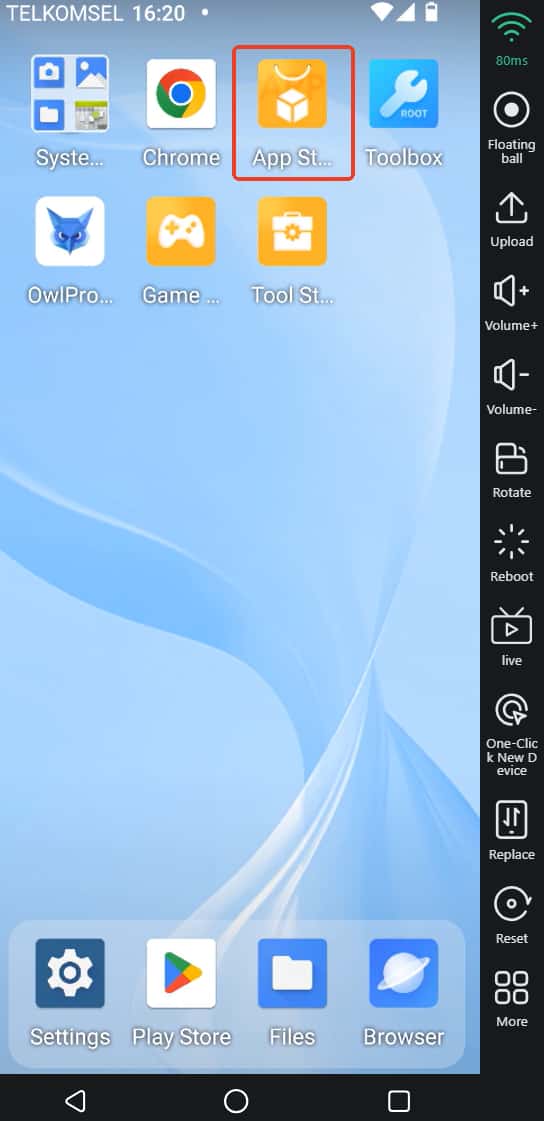
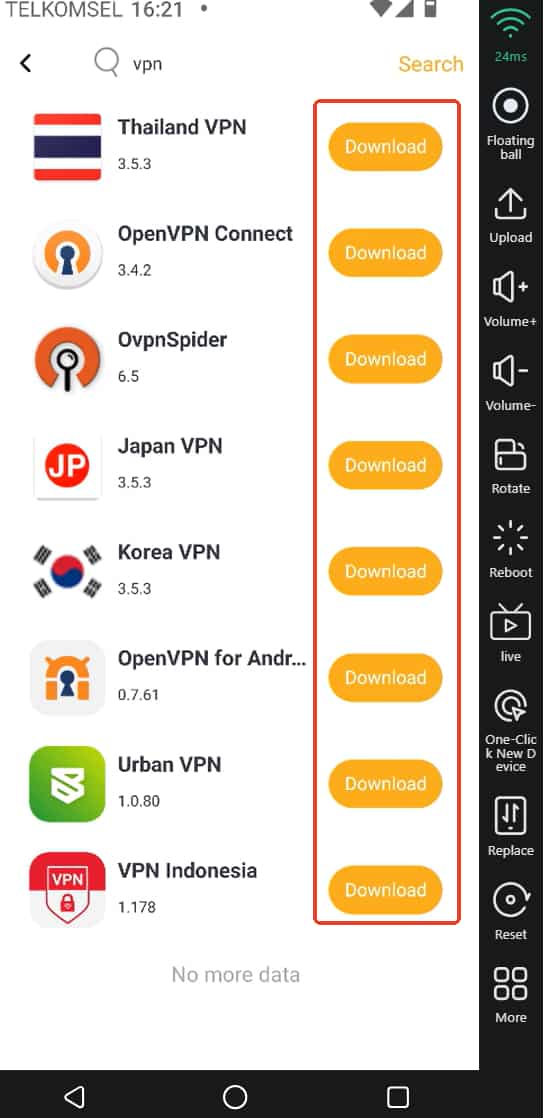
You can download a VPN app from the App Store or use an existing VPN service, then try logging into Roblox again.
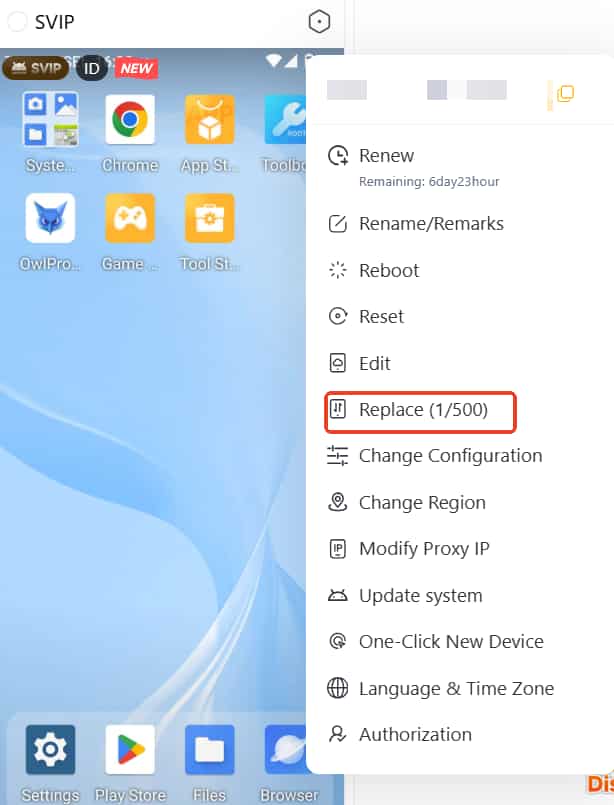
Solution 3: One-Click Device Switch
On the Home page, use the “One-Click Switch” feature to change to a new cloud phone environment, then retry logging in.