


How to Change Screen Size in Cloud Phone?
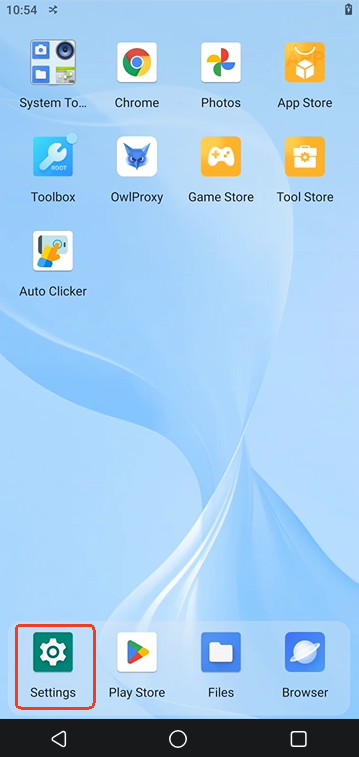
1. Go to Settings
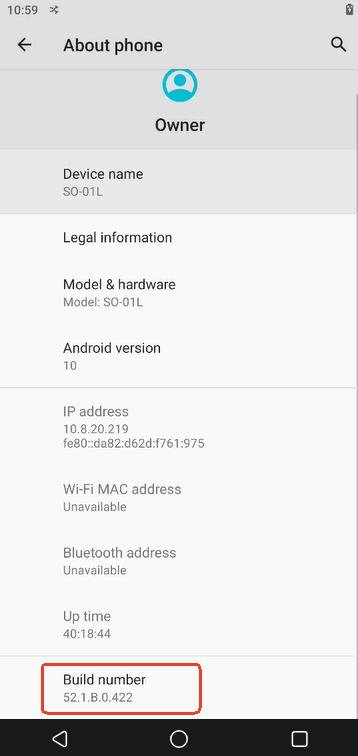
2. Scroll down, choose About phone
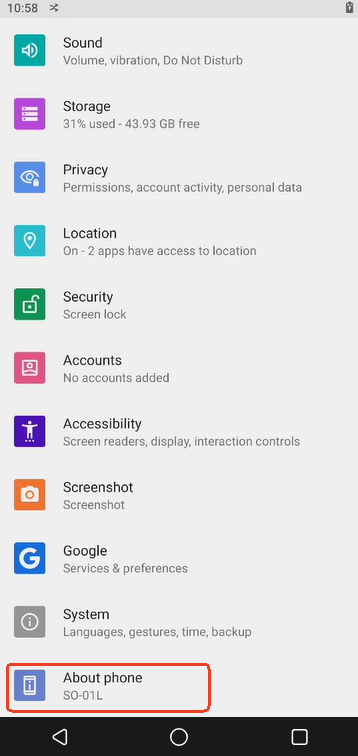
3. Find Build number, quickly tap it 5 times to enter the developer mode
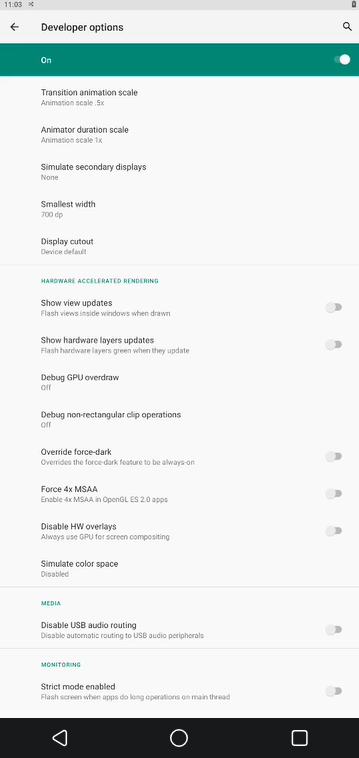
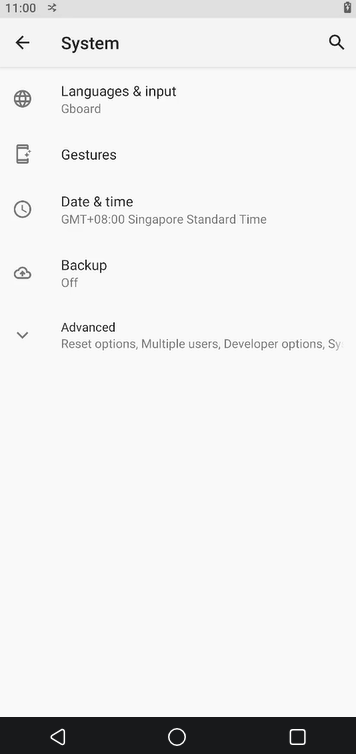
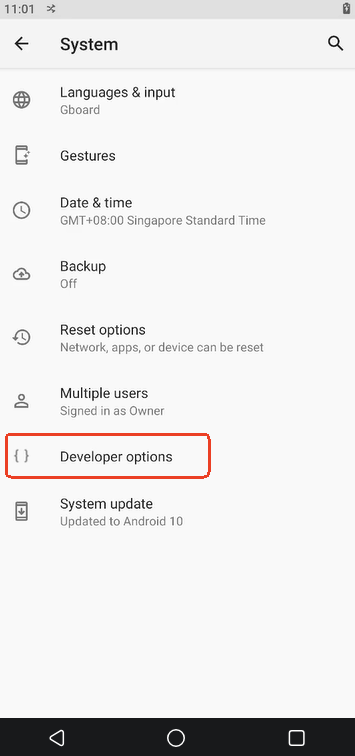
4. Go back to System -> Advanced -> Developer options
5. Scroll or search for Smallest width
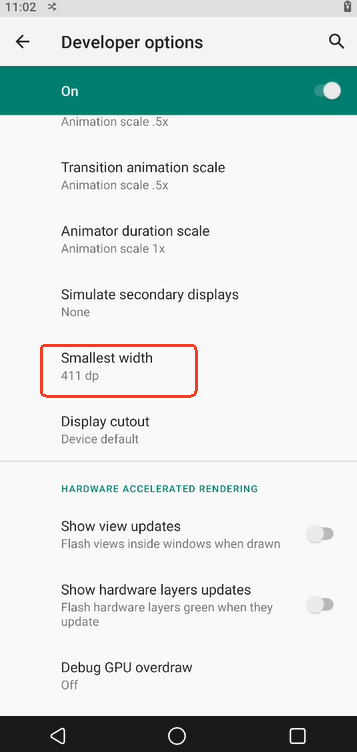
6. Change the dpi. The higher the DPI, the smaller the content looks on the screen.