




Why Can't I Login to Roblox? How to Fix It?
If you are prompted "Something went wrong. Please try again later." when log into your Roblox account in your cloud phone, do as follows:
1. Please install a VPN from our App Store. Enable the VPN (proxy) and try logging in to Roblox again.
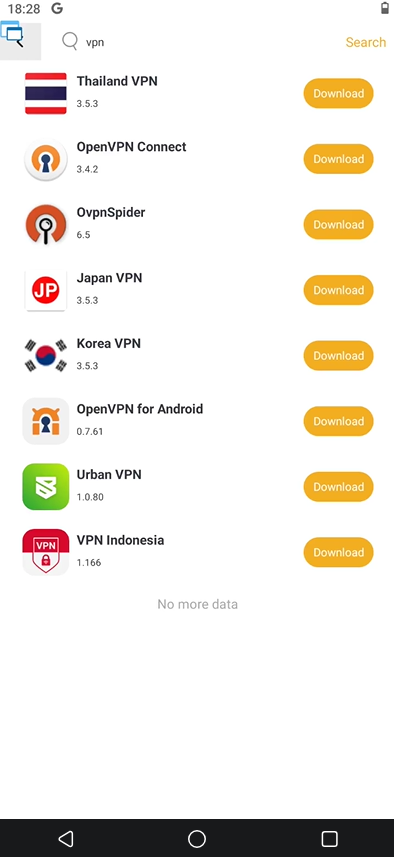
2. If you still can't log in even with a VPN enabled, switch to another proxy/server within your current VPN, or try using a different VPN.
This issue is often caused by an impure or blocked proxy. Switching to a cleaner (pure) VPN node should solve it.
3. If you can log in successfully but see [Error 277] or [Error 279] when opening the game, please disable the VPN and restart the game.